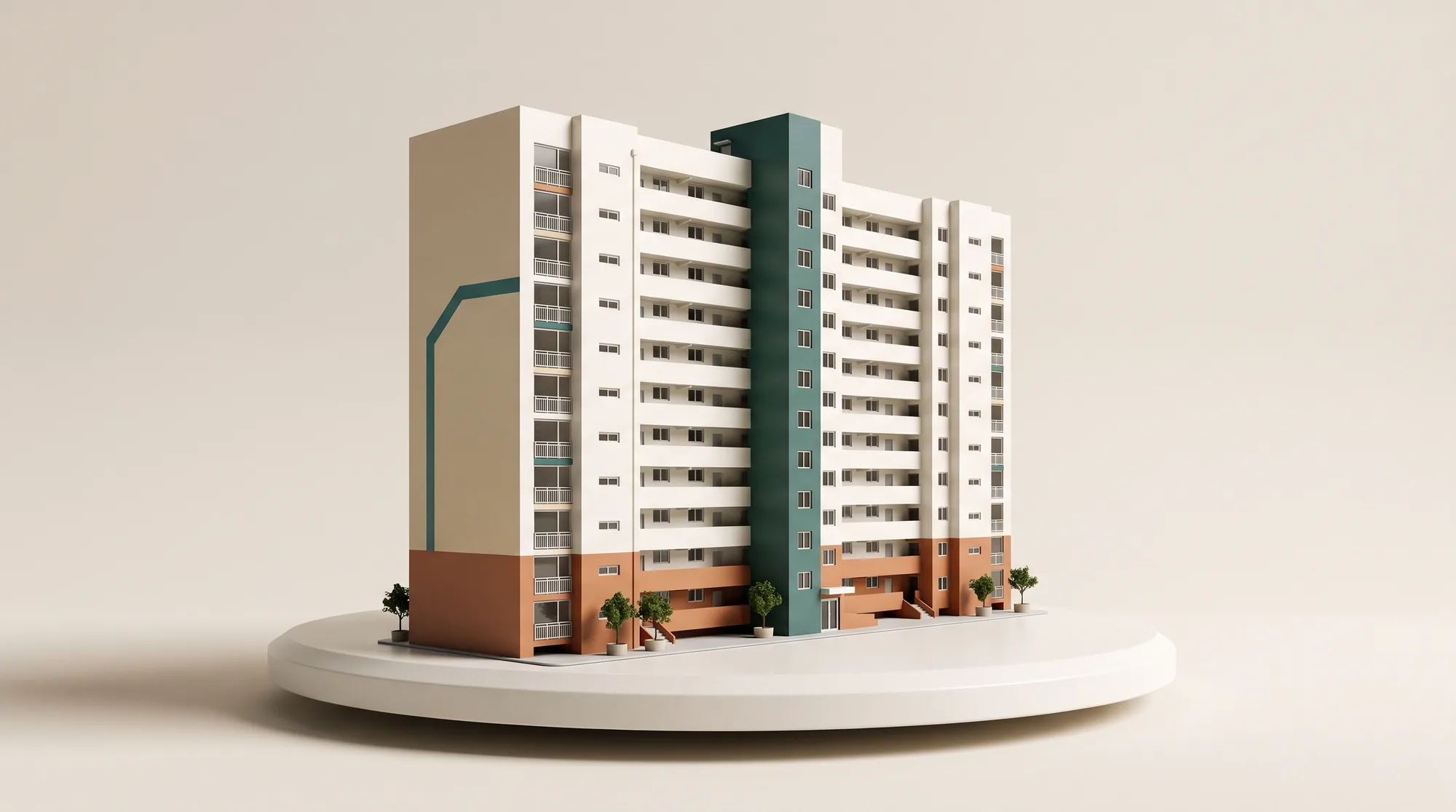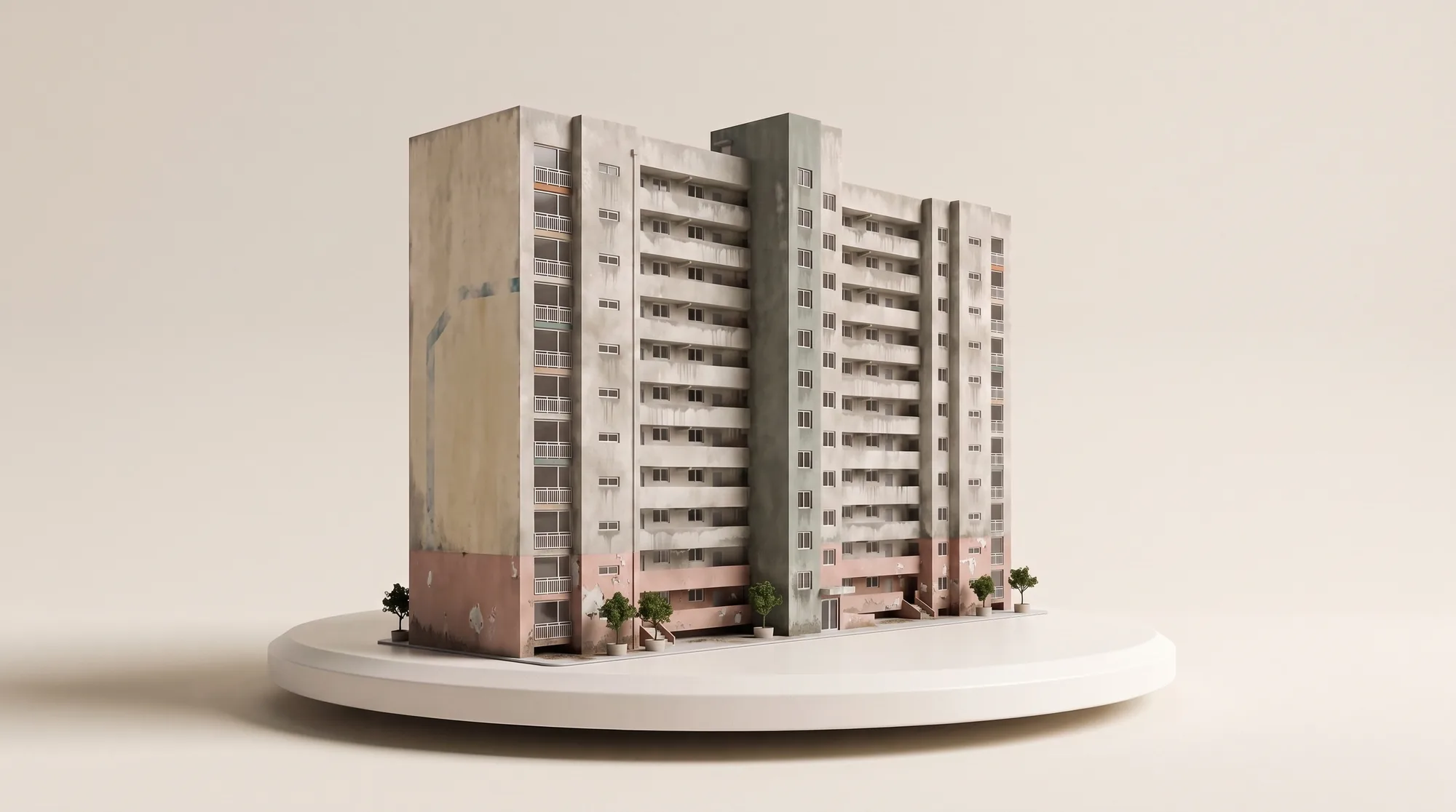

Nolpop

Show the finished repaint before work begins.

Apply selected colors to a site photo and give your client an exterior option they can compare straight away.

Create a repaint preview

Repaint previews · Site reports · Estimates · Proposals

A site manager, painter, and client reviewing an exterior repaint on a tablet
Review the actual site photo together

From the site to the client

A color chip cannot show the finished building.

A repaint decision is easier when everyone is looking at the same building, not trying to imagine a large facade from a small sample.

On site

Start with the photo already taken during the visit.

In the meeting

Compare the painted areas and colors on the building itself.

For the client

Keep the selected option for the next conversation.

A repaint workspace

Make the first client-ready option from one site photo.

Mark the painted areas, choose the colors, and keep the selected result with the documents for the same site.

Example workspaceGaram Apartments · Building 101
Option selected
Garam Apartments before exterior repainting
Before
Garam Apartments with the selected repaint option
Selected option
Selected colors
Main wallVertical accentEntrance
Results for this site
Client
Garam Apartments Management Office
Scheme
Selected exterior option
Includes
Site photo · Color scheme
Painted area
Entered site dimensions
Openings
Excluded where specified
Output
Area · Coats · Material quantity
Photos
Front and side elevations
Notes
Recorded by the site staff
Output
Site summary and work scope
Browse all features
A weathered commercial exterior before repainting
Before
The same commercial exterior with clean white walls and red accent areas
Preview

Exterior repaint preview

Change the paint, not the building.

The facade and accent areas change while windows, railings, landscaping, and the camera angle remain in place.

  • Choose the main wall and accent areas separately
  • Keep windows, signs, doors, and landscaping untouched
  • Compare the original and repaint option in one view

Site survey report

Keep the site photos and staff notes in one record.

The report organizes what the team photographed and recorded on site. It does not invent a defect that the staff did not confirm.

Painting staff reviewing site photos and notes beside a weathered exterior wall
Photo range
Front and east elevations
Staff note
Upper-wall coating condition
Work scope
Areas selected during the visit
A detached house exterior used as the reference for a paint quantity takeoff
Painted area
From entered dimensions
Openings
Exclude selected windows and doors
Material
Coverage and coat count applied

Area and material takeoff

Turn the confirmed work scope into quantities.

Use the dimensions, painted areas, openings, coats, and product coverage entered for the site to prepare the takeoff.

Client proposal

The selected option stays connected to the client material.

Bring the site photo, repaint option, colors, and job details into one review screen instead of rebuilding the same material by hand.

Proposal screen example
NolpopProposal screen example

School exterior repaint proposal

Client
School facilities team
Selected option
White facade · Blue and yellow accents
Review link
Ready to share

Exterior examples from different regions

The building type changes. The original structure stays.

From Korean apartment blocks to North American timber and brick homes, each example preserves the existing architecture and changes the exterior finish.

A completed light-grey Korean apartment exterior option

Korean apartment block

Light facade with cool-grey accents

A completed brick and charcoal North American house exterior option

North American brick house

Brick and charcoal trim

A completed deep-blue North American coastal house exterior option

North American coastal house

Deep blue siding with white trim

A completed muted-red North American single-storey house exterior option

North American single-storey house

Muted red siding and dark trim

Questions

Before you start

A repaint team reviewing an exterior color elevation and finish schedule
Can I browse Nolpop without signing in?

Yes. You can browse the feature catalog first. Sign-in is requested when you start a feature or save a result.

Do I need to know which AI model to use?

No. You choose the job you want to complete. The model and processing steps stay inside the workflow.

Will the on-screen color match the finished paint exactly?

No. A screen preview supports color review, but the final color should be confirmed with a physical sample and the site conditions.

How are credits used?

The required credit amount is shown before a feature runs. Subscription plans provide recurring credits, and additional credits can be purchased separately.

Start with the site photo you already have.

Browse the available features before you run one.

Browse all features
Painting staff comparing a physical color fan with a site preview on a tablet